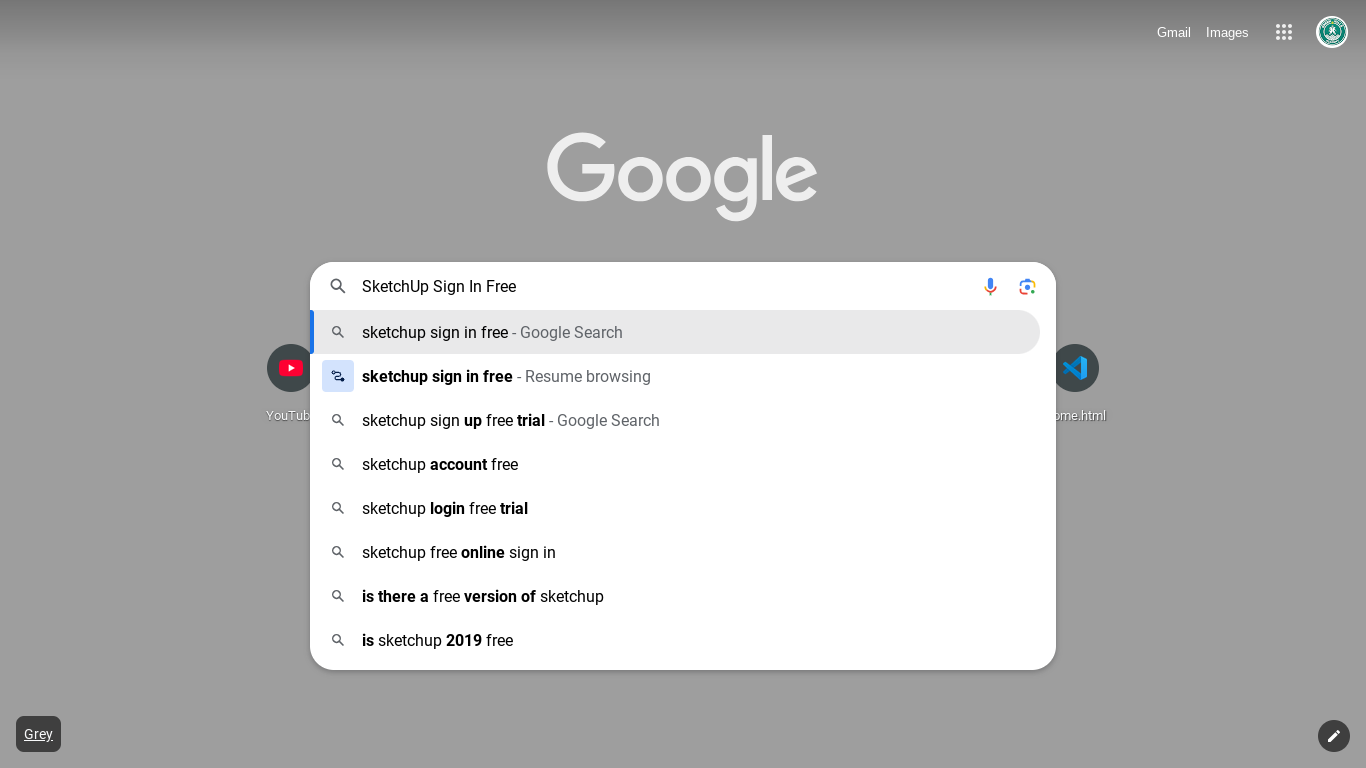
Use any browser of your choice and open a new tab.
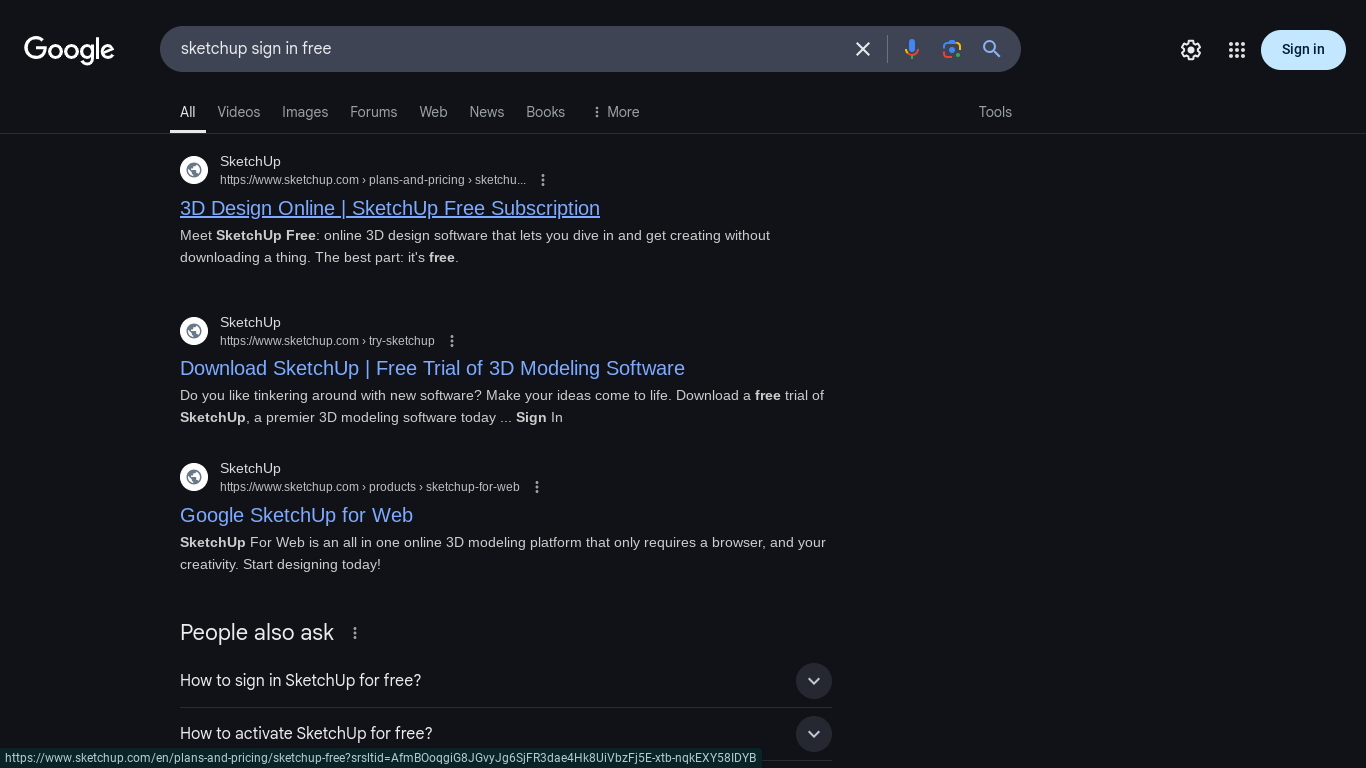
Search for SketchUp sign-in in your search engine.
Select the Correct Link
Choose the first link that appears on the results page.
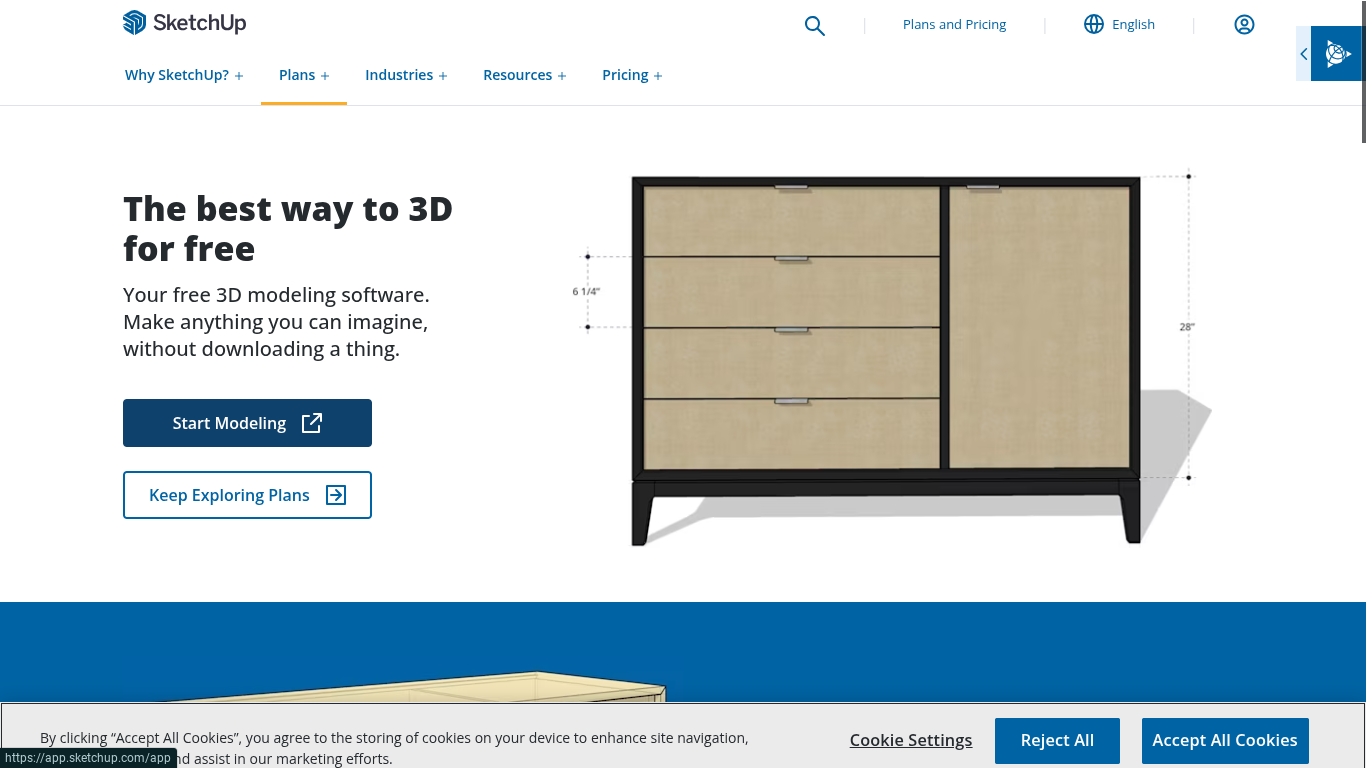
This will take you to the SketchUp homepage, where you can explore different plans.
Start Modeling
Click on the Start Modeling button to begin the account creation process.
Create a Trimble ID
If you’re a new user, click Create a Trimble ID.
Enter your first and last name, email, and agree to the terms.
Click Agree and Continue.
Set Up Your Password & Finalize Account
Follow the prompts to create a password.
Once completed, you’ll be able to log in and start modeling your first 3D design.
Next Up: Episode 3 – Navigating the SketchUp Interface
In the next episode, you’ll learn how to move around the SketchUp interface, explore toolbars, and understand view controls to improve your modeling workflow!
Join Us For Episode 3
Ready to take the next step? Join Episode 3 to master the SketchUp interface and navigate like a pro!