Episode 17

Getting Started with SketchUp: Your First Steps in 3D Design

Course Introduction

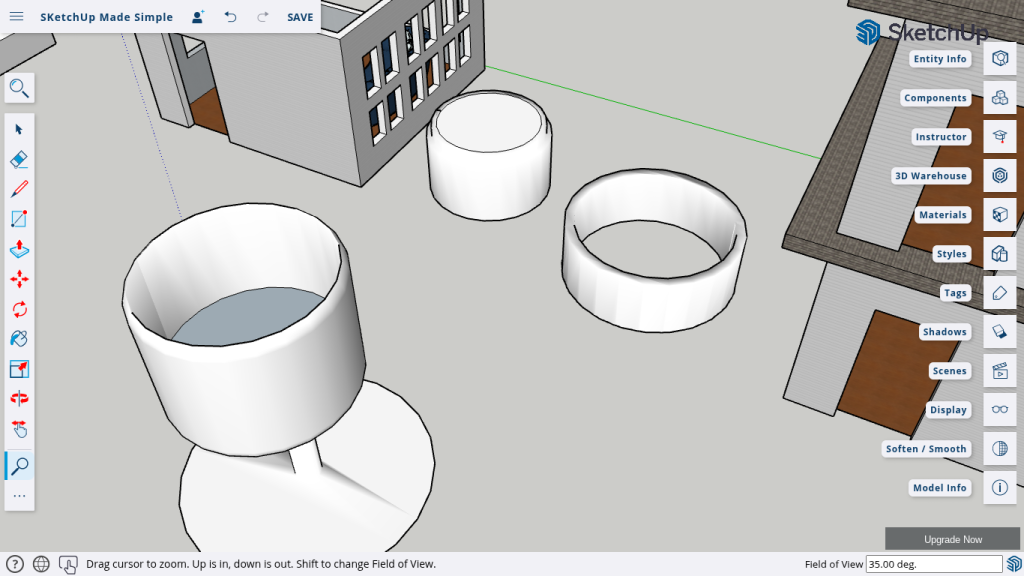
Today we’re exploring the magic of the Soften/Smooth Tool—a must-have feature for turning rough models into refined, professional designs. In this episode, we’ll walk through creating three different objects—a cozy ottoman, a sleek ring, and an elegant wine glass—to show you how this tool can elevate your work. Whether you’re designing furniture, jewelry, or glassware, mastering the Soften/Smooth Tool will add that extra touch of finesse to your models.

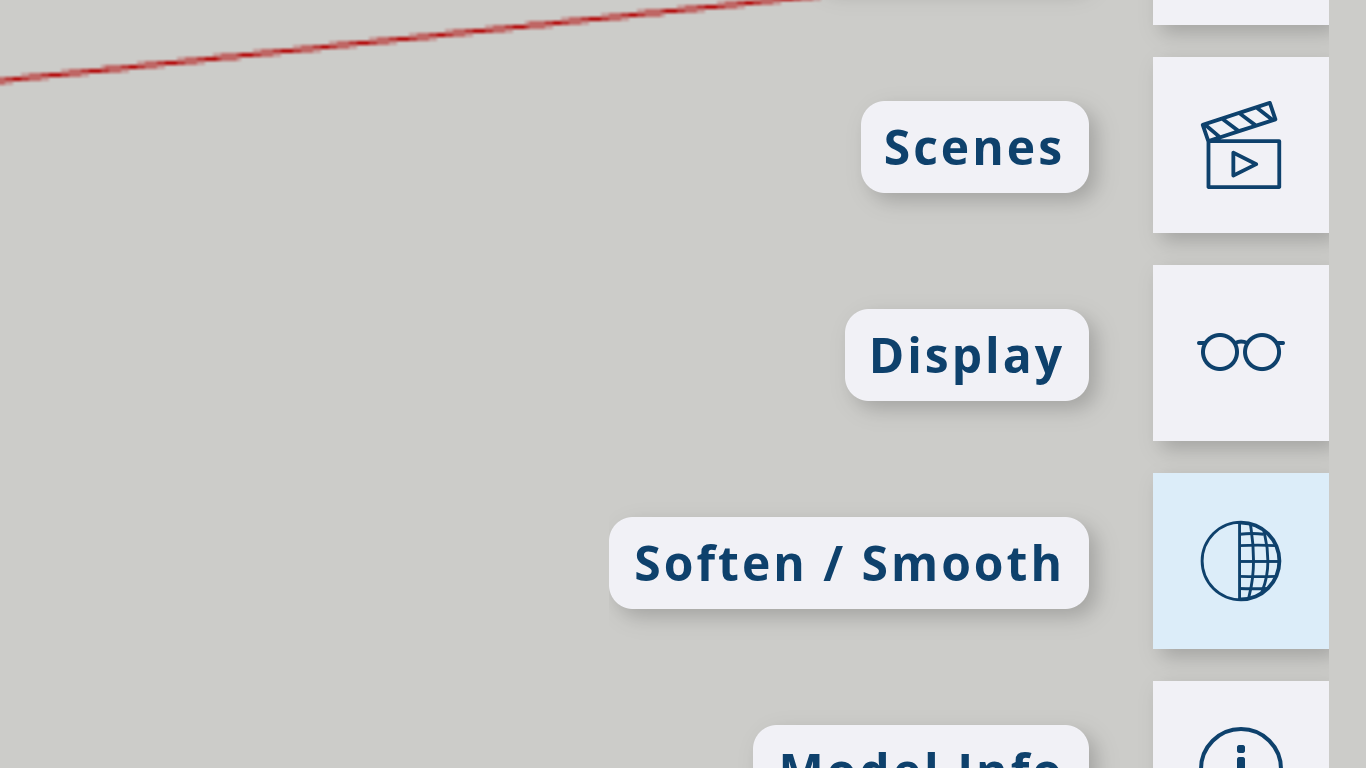
Understanding the Soften/Smooth Tool

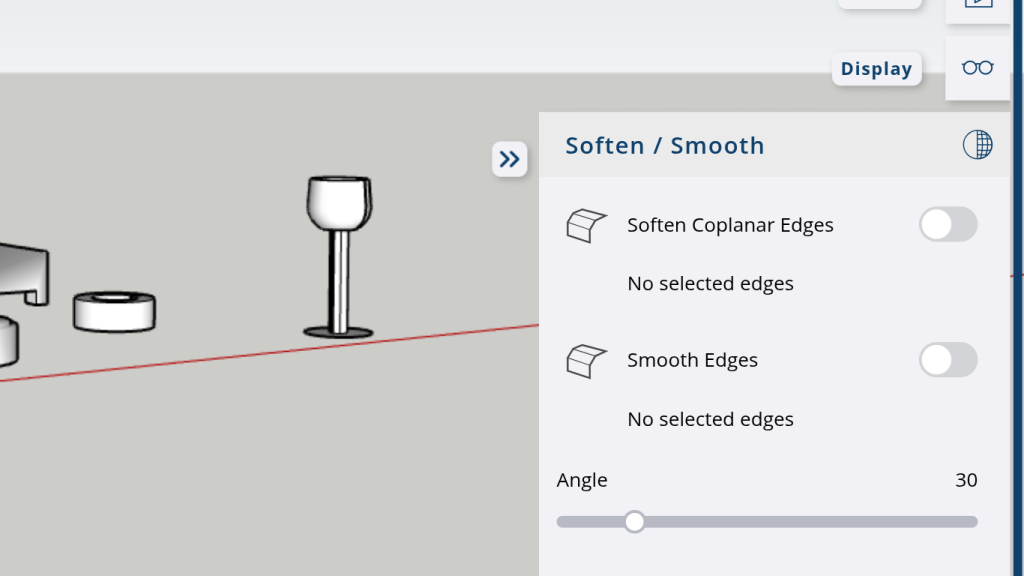
  • Overview: Learn what the Soften/Smooth Tool does and why it’s essential for eliminating harsh edges.
  • Location & Usage: Discover where to find the tool and how to activate it to start smoothing your models.

Examples

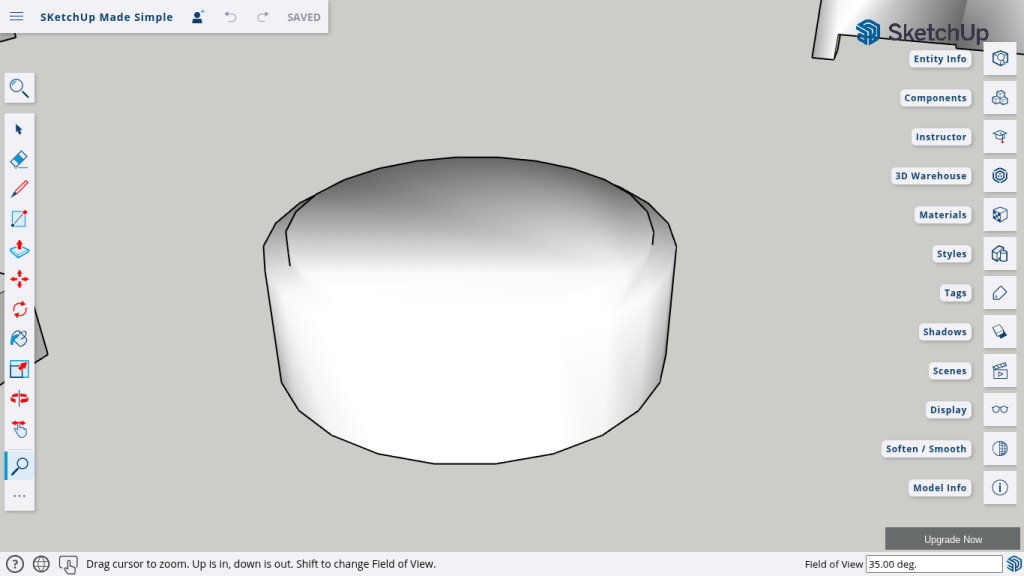
  • Creating an Ottoman
    • Building the Base: Start with creating a circle and a vertical rectangle to form the basic shape.
    • Shaping with Follow Me: Use the Follow Me Tool to refine the ottoman’s structure.
    • Smoothing the Edges: Apply the Soften/Smooth Tool to soften the model’s lines, ensuring a polished finish.
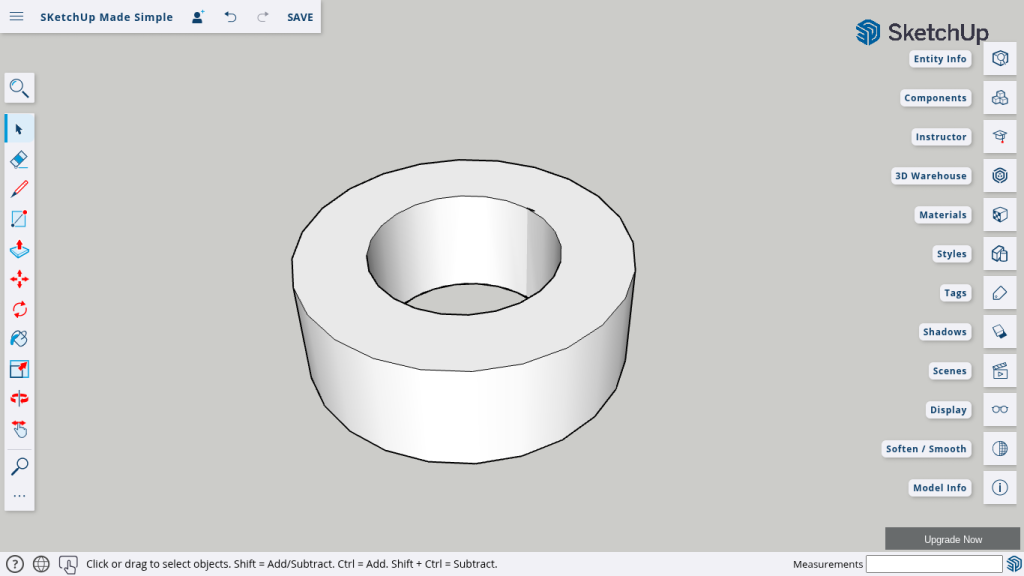
  • Designing a Ring
    • Forming the Ring: Create a ring using concentric circles and a rectangle for the base.
    • Refining the Shape: Use the Follow Me Tool to construct the ring and then smooth out any rough edges with the Soften/Smooth Tool.
    • Tagging & Detailing: Organize and tag elements for easy editing and enhanced detail.
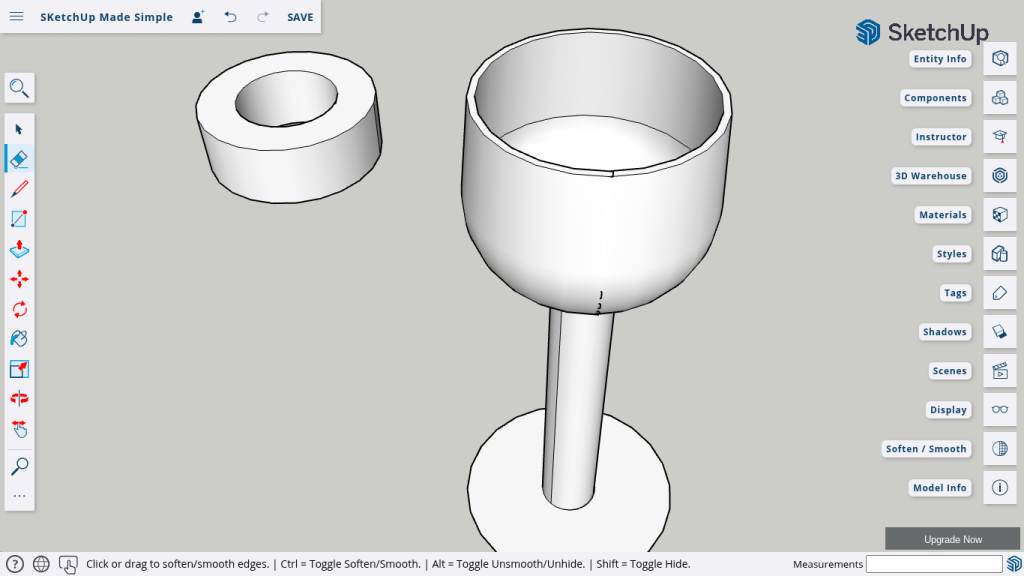
  • Crafting a Wine Glass
    • Establishing the Structure: Use circles to form the base and the stem, then apply the Push/Pull Tool for volume.
    • Rounding the Edges: Utilize the Follow Me Tool to shape the rim and body of the glass.
    • Final Smoothing: Enhance the wine glass by softening edges with the Soften/Smooth Tool for a realistic, elegant look.

Recap & Pro Tips

  • Review: Summarize the key steps and techniques used in each project.
  • Tips: Get additional advice on when and how to best apply the Soften/Smooth Tool to various designs.
  • Practice Challenge: Experiment with your own models to see the transformative power of smoothing.

Conclusion

Congratulations on mastering the Soften/Smooth Tool—your designs now shine with a polished, professional finish.
You’ve enhanced your skills across various projects, from ottomans to rings and wine glasses.
Keep exploring and applying these techniques to transform every SketchUp model into a masterpiece!

Join Us For Episode 18

Start Episode 2 to set up your free SketchUp account and unlock its features.