Episode 16

Learn how to use scenes in SketchUp to make your models come alive for presentations and animations!

Introduction

Welcome to SketchUp Made Simple! In this course, we’ll explore how to use SketchUp’s powerful tools to create amazing scenes and presentations. Whether you’re a beginner or looking to enhance your skills, you’ll learn how to organize your designs and present them in a clear and professional way. Let’s dive in and start creating impactful scenes for your next presentation!


Key Takeaways:

SketchUp empowers you to turn your creative ideas into tangible 3D designs in just a few steps. It’s more than just software—it’s a tool for innovation and visualization. With SketchUp, you can:

What Are Scenes (SCS) and Why Use Them?
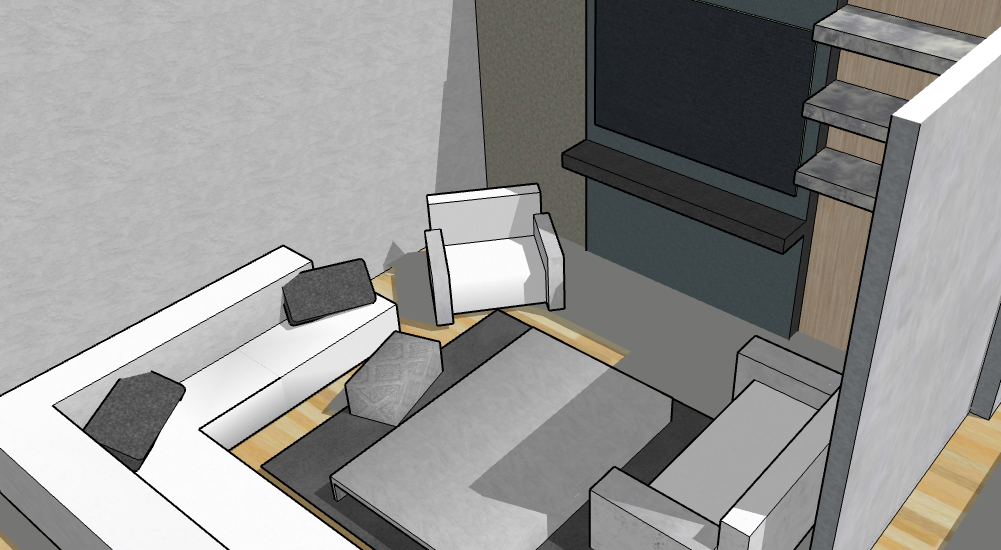
  • Scenes in SketchUp act as snapshots, capturing specific camera angles, visibility settings, and styles of your model at a particular moment in time.
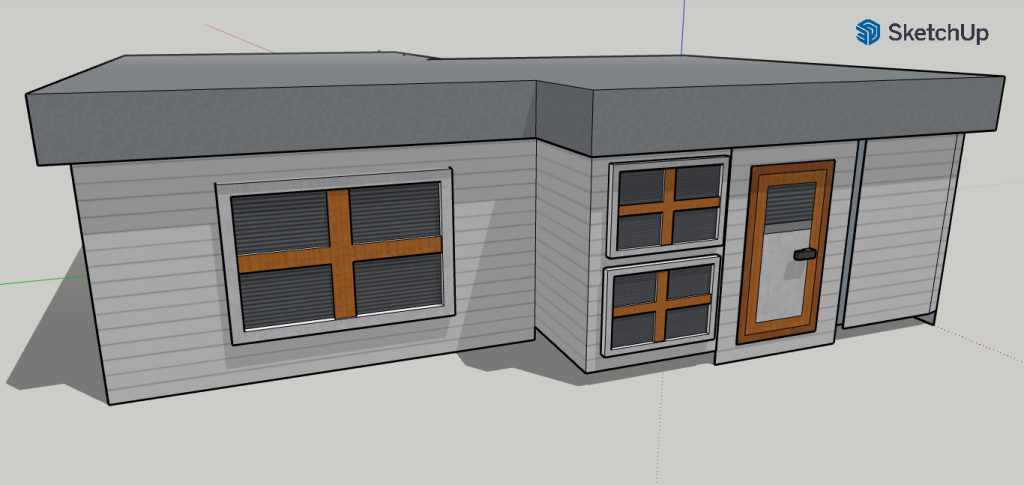
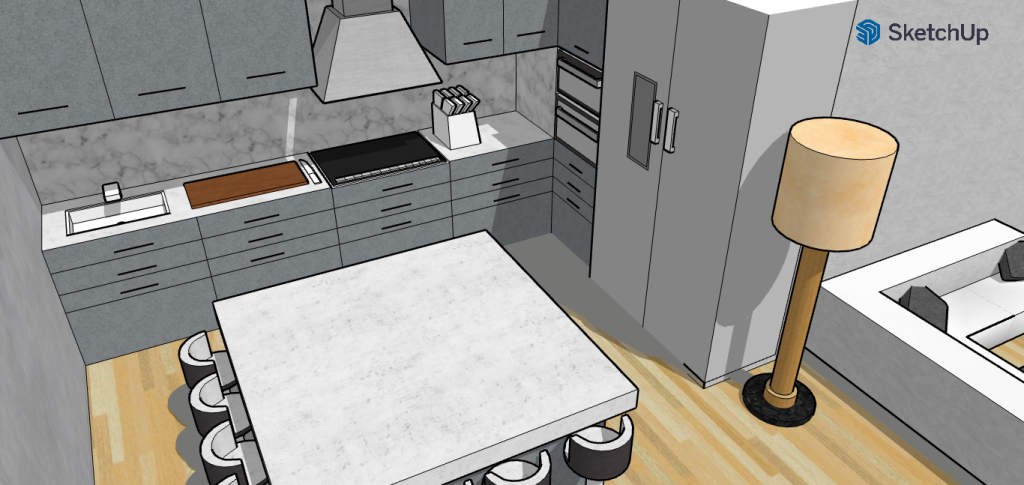
  • They are perfect for presentations, virtual walkthroughs, or focusing on specific parts of your design, like a room or a furniture piece.
  • Adjust the camera angle to your desired view.
  • In the Scenes panel (located on the right), click the plus icon to create a new scene.
  • Customize the scene by selecting properties like camera angle, hidden geometry, or visible elements. You can update scenes by clicking the three dots next to the scene tab.
  • Add multiple scenes (e.g., interior views, exterior views) and customize each one to highlight different parts of your design.
  • Use the Play icon to view the scenes in sequence, creating a smooth flow.
  • Set transition times and delays to control the pace between scenes.
  • Hide axes if needed and use a screen recorder to capture your scene animations or walkthroughs.
    • Organize your scenes logically by naming them clearly (e.g., “Exterior View,” “Kitchen View”).

Conclusion:

Scenes are a powerful tool for presenting your designs, whether through animations, walkthroughs, or simply organizing your model. They allow you to highlight key areas and showcase your work effectively. Keep practicing, and don’t forget to subscribe for more tips and tricks!

Join Us For Episode 17

Start Episode 2 to set up your free SketchUp account and unlock its features.