Episode 1
Getting Started with SketchUp: Your First Steps in 3D Design
SketchUp Basics
In Episode 1, you’ll be introduced to SketchUp, a powerful 3D modeling software. You’ll explore its intuitive tools, access to premade models, and precise measurement features. You’ll also discover how SketchUp can be used for architecture, engineering, interior design, and creative projects. By the end of this episode, you’ll understand why SketchUp is the perfect tool for bringing your ideas to life in 3D.
Course Episode 1: Introduction to SketchUp
Instructor: Celine | SketchUp Made Simple
Welcome to SketchUp Made Simple
Welcome to the first module of SketchUp Made Simple! In this course, we’ll explore SketchUp, a user-friendly and powerful 3D modeling software. Whether you’re a complete beginner or simply curious, this is the ideal place to start learning.
What is SketchUp?
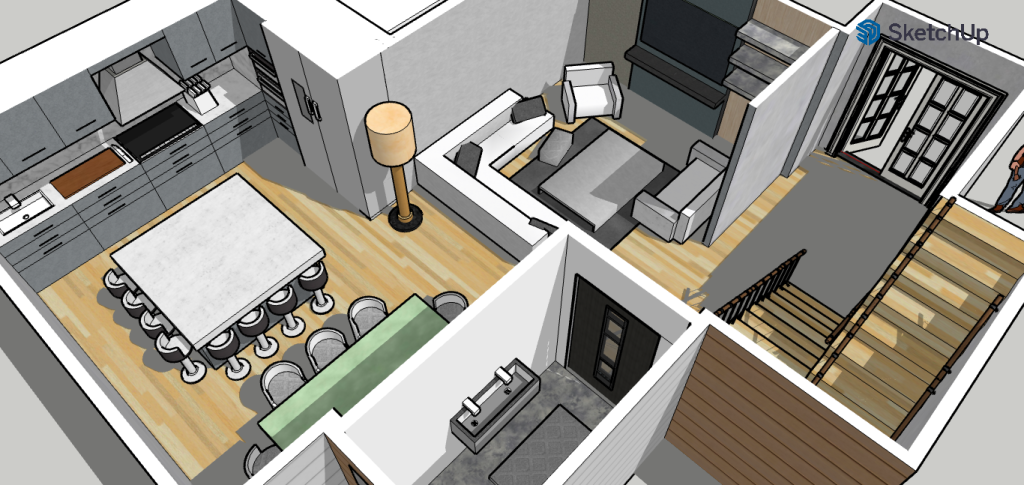
SketchUp is a 3D modeling tool designed for professionals and beginners alike. It allows users to create designs for a wide range of applications, including:
- Architecture: Designing buildings and spaces.
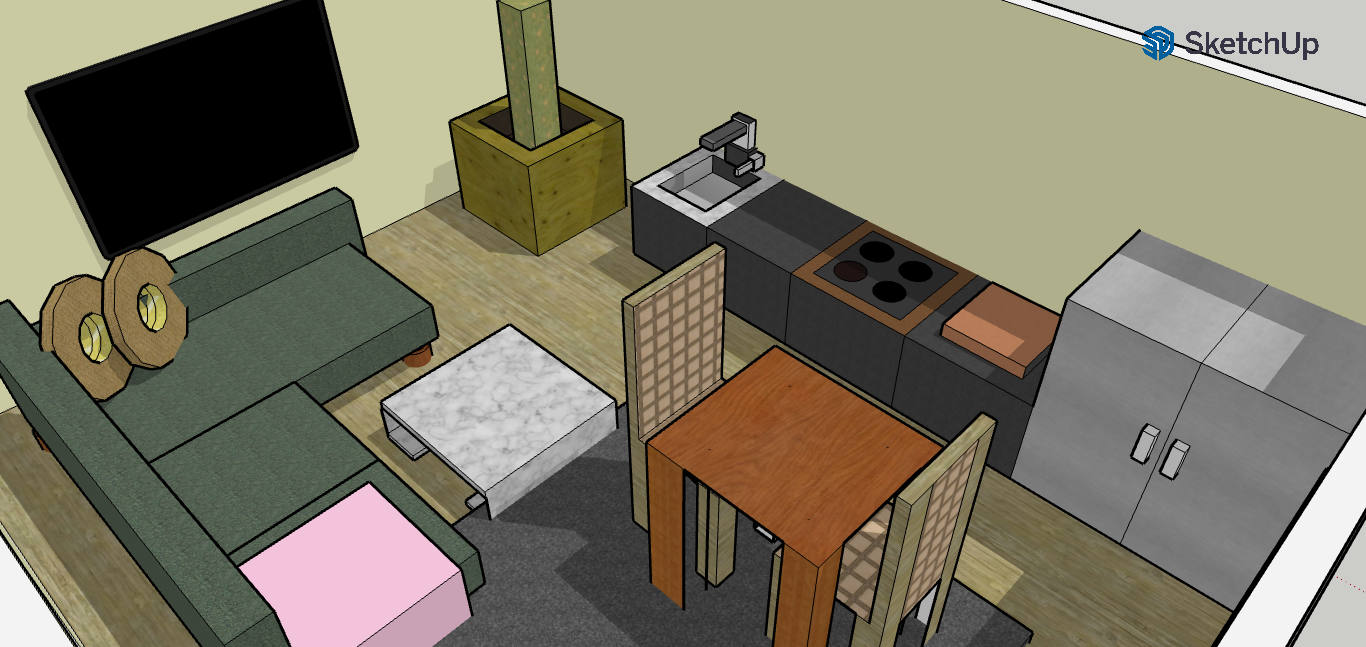
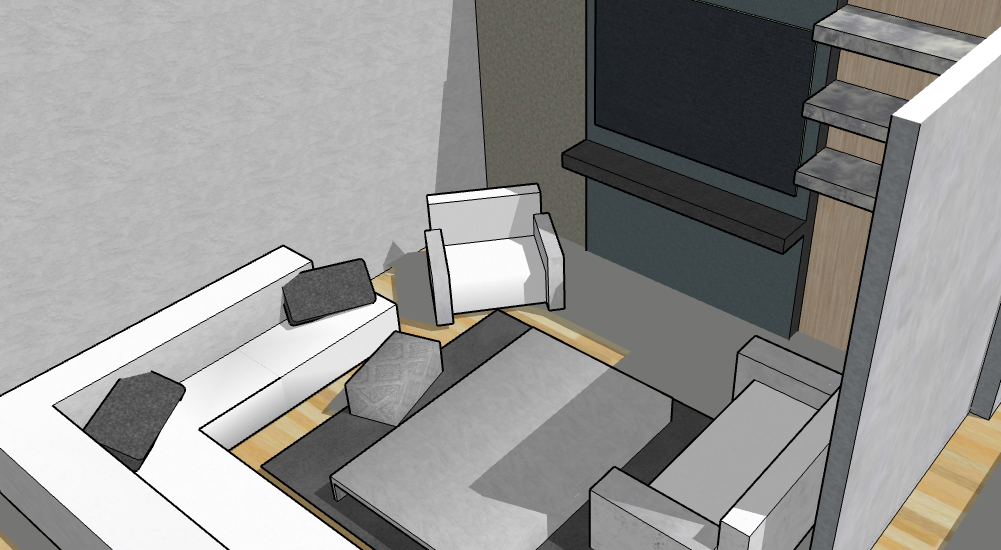
- Interior Design: Planning furniture layouts and interiors.
- Engineering: Drafting mechanical parts and structures.
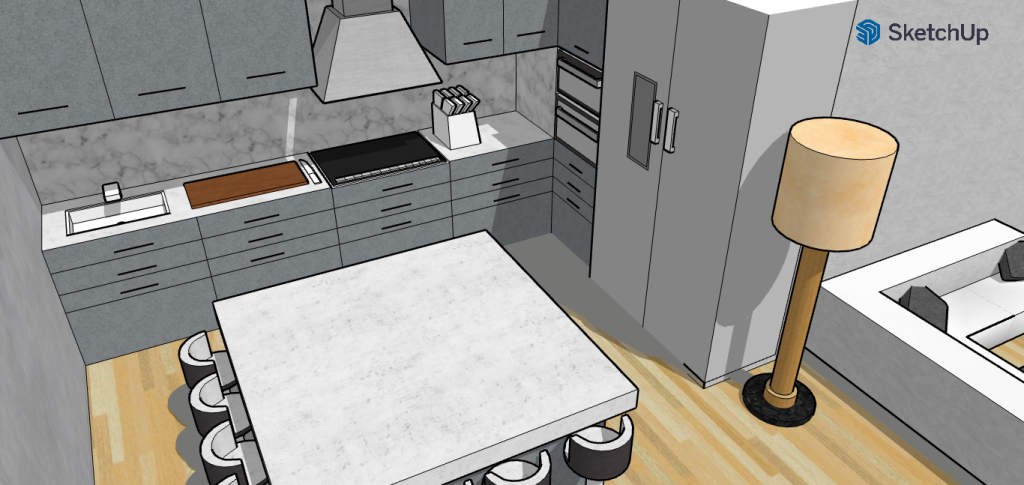
- Creative Projects: Making models of furniture, game props, and more.
With its intuitive interface and robust features, SketchUp simplifies the process of transforming ideas into detailed 3D models.
Why Should You Use SketchUp?
SketchUp empowers you to turn your creative ideas into tangible 3D designs in just a few steps. It’s more than just software—it’s a tool for innovation and visualization. With SketchUp, you can:
Visualize
Imagine taking an idea that’s been in your mind and transforming it into a fully-realized 3D model. With SketchUp, you can do just that.
Create
Seeing your designs in 3D opens up new perspectives and inspires innovative ideas.
Share
A visual representation of your concept is much easier to share and explain than a flat drawing or verbal description.
Key Features of SketchUp
Intuitive Drawing Tools:
- SketchUp allows you to draw lines and shapes effortlessly.
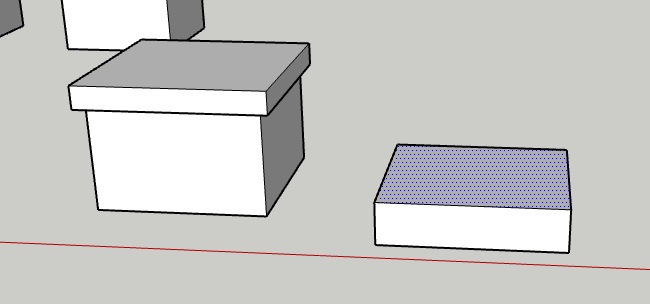
- Use the “Push/Pull” tool to turn flat surfaces into 3D objects.
Premade Models:
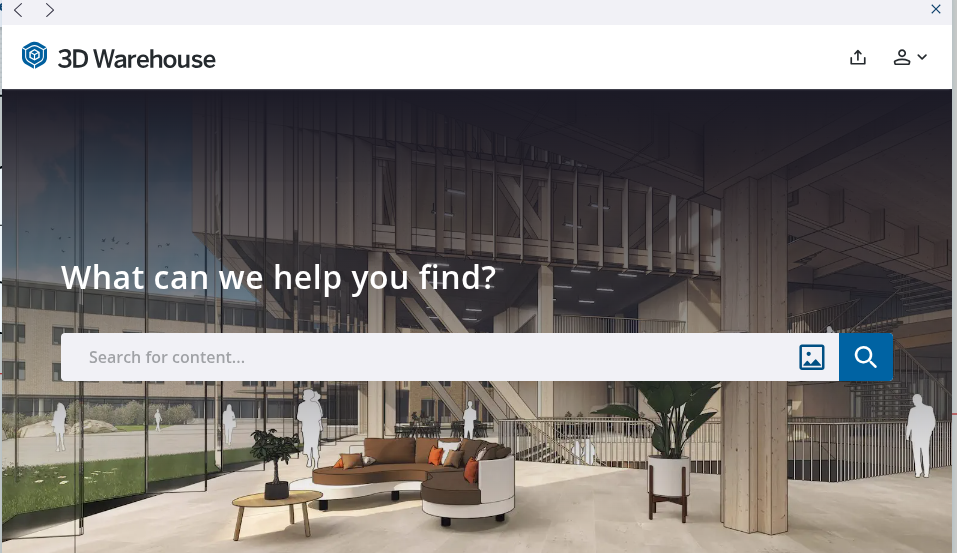
- Access thousands of free models in SketchUp’s 3D Warehouse for inspiration or ready-to-use assets.
Precision and Accuracy:
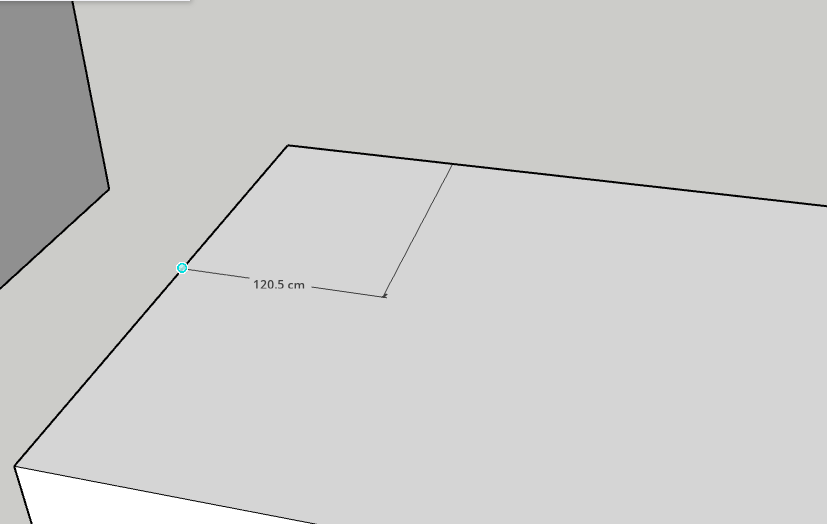
- SketchUp supports designs with millimeter-level precision, making it perfect for professional use.
Applications of SketchUp
SketchUp is versatile and can be used in various fields. Here are just a few examples of its applications:
By learning SketchUp, you’re not just learning software—you’re building a skill that fuels creativity and opens doors to new opportunities.
Architectural Design
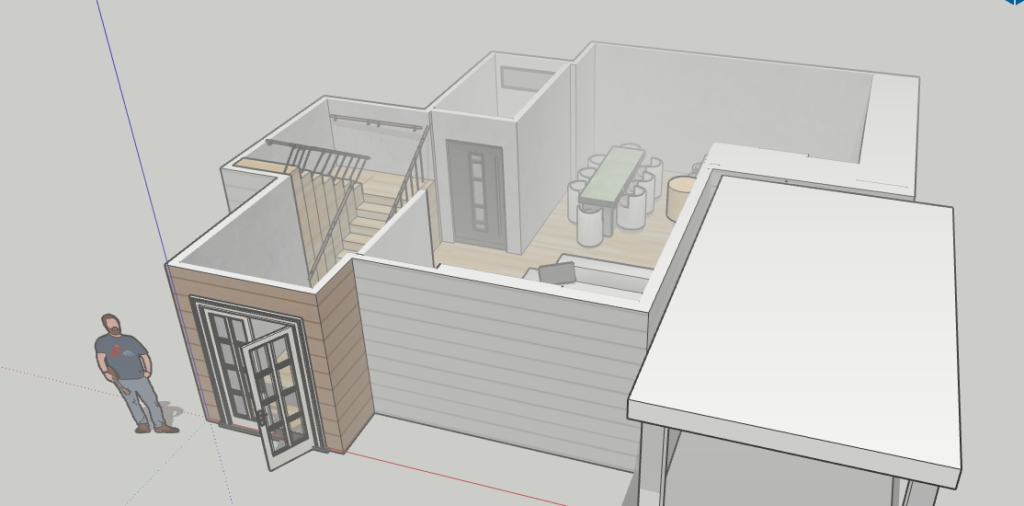
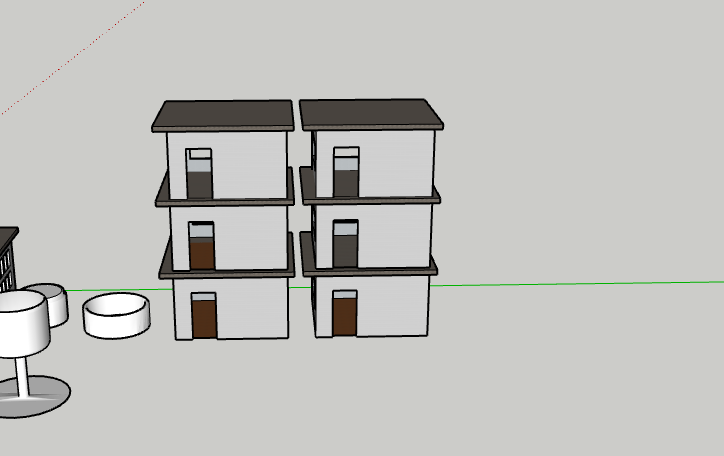
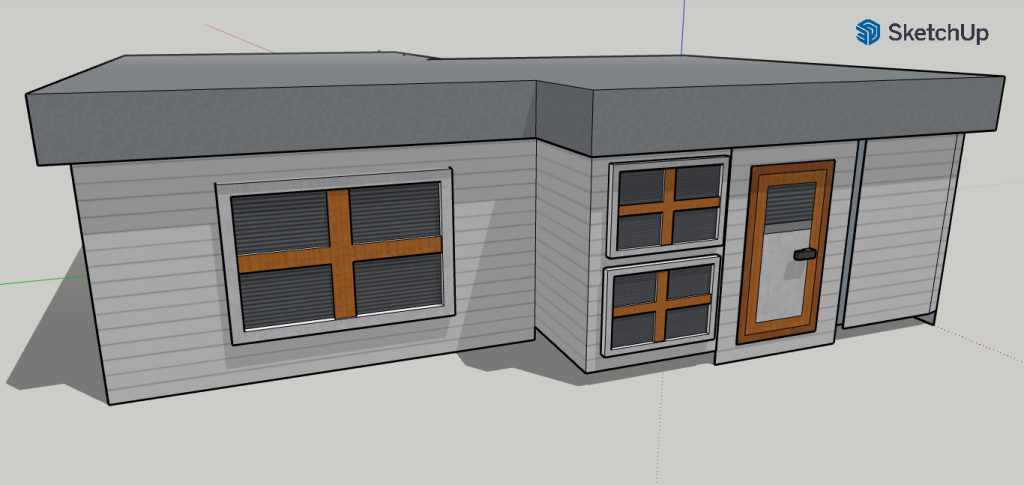
- Architectural Design: Create models of modern houses, skyscrapers, or urban layouts.
Furniture Design
- Furniture Design: Build detailed pieces like tables, chairs, or cabinets.
Creative Visualisation
- Creative Visualization: Imagine and construct futuristic cityscapes, props for games, or even conceptual art.
What’s Next?
In the next module, you will learn how to create your own free account in SketchUp. Setting up your account is the first step to accessing the amazing tools and features SketchUp has to offer.
Join Us For Episode 2
Start Episode 2 to set up your free SketchUp account and unlock its features.